Set it once. It runs forever.
Rank checks, technical audits, competitor monitoring and reports, all on autopilot. SEO App does the busywork on schedule so you can spend your time on the parts of the job that need a human.
Automate the parts that don't need you.
Time is the scarce resource, especially juggling many projects. SEO App automates the repetitive work so you can focus on strategy and growth.



 HUUD
HUUD “SEO App gives us the flexibility as an agency to provide full transparency to our clients. It saves us time and money.”
Marc Brookland · CEO, SEO Locale
“SEO App saves my agency time with the ease of reporting. I can provide everything to my clients, increasing our retention.”
Kris · CEO, HUUD
See it on a real account.
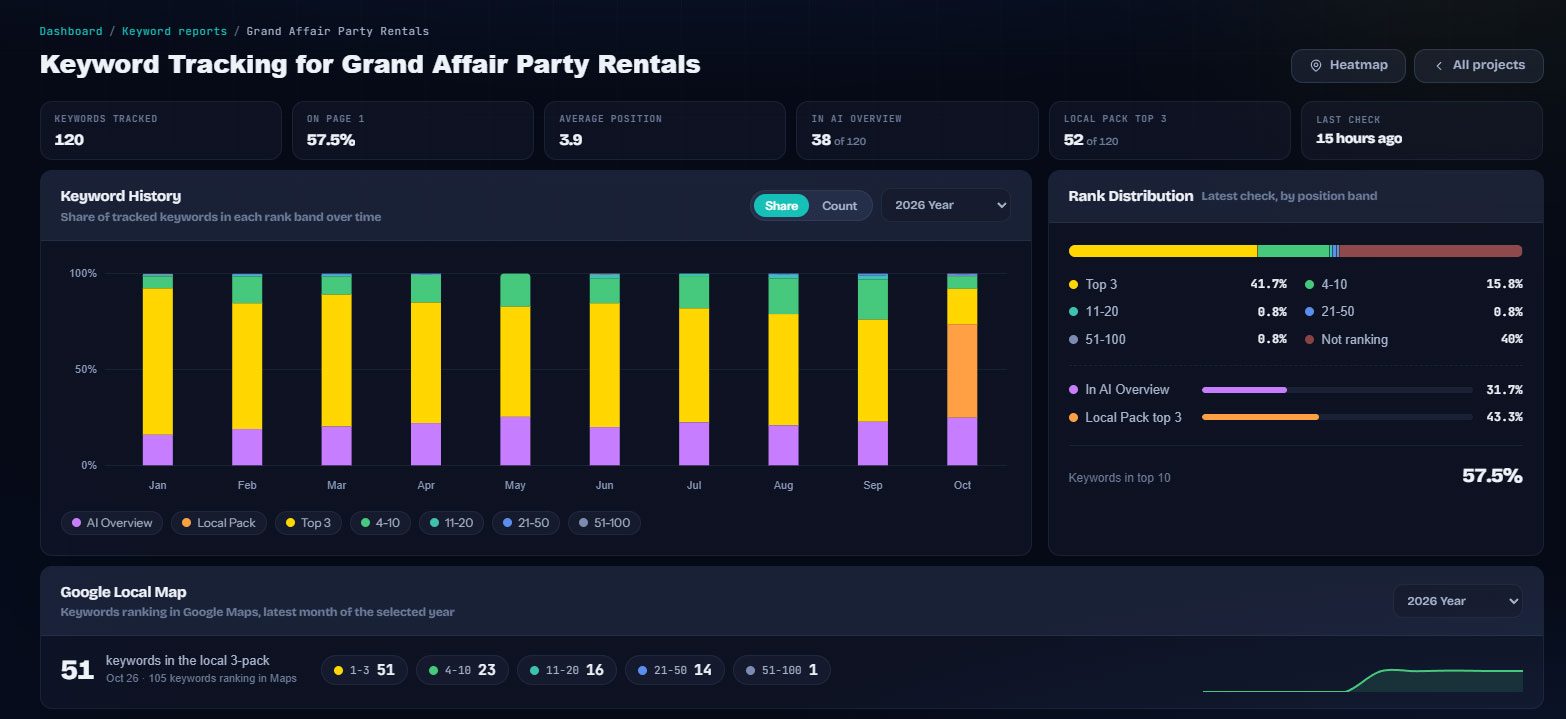
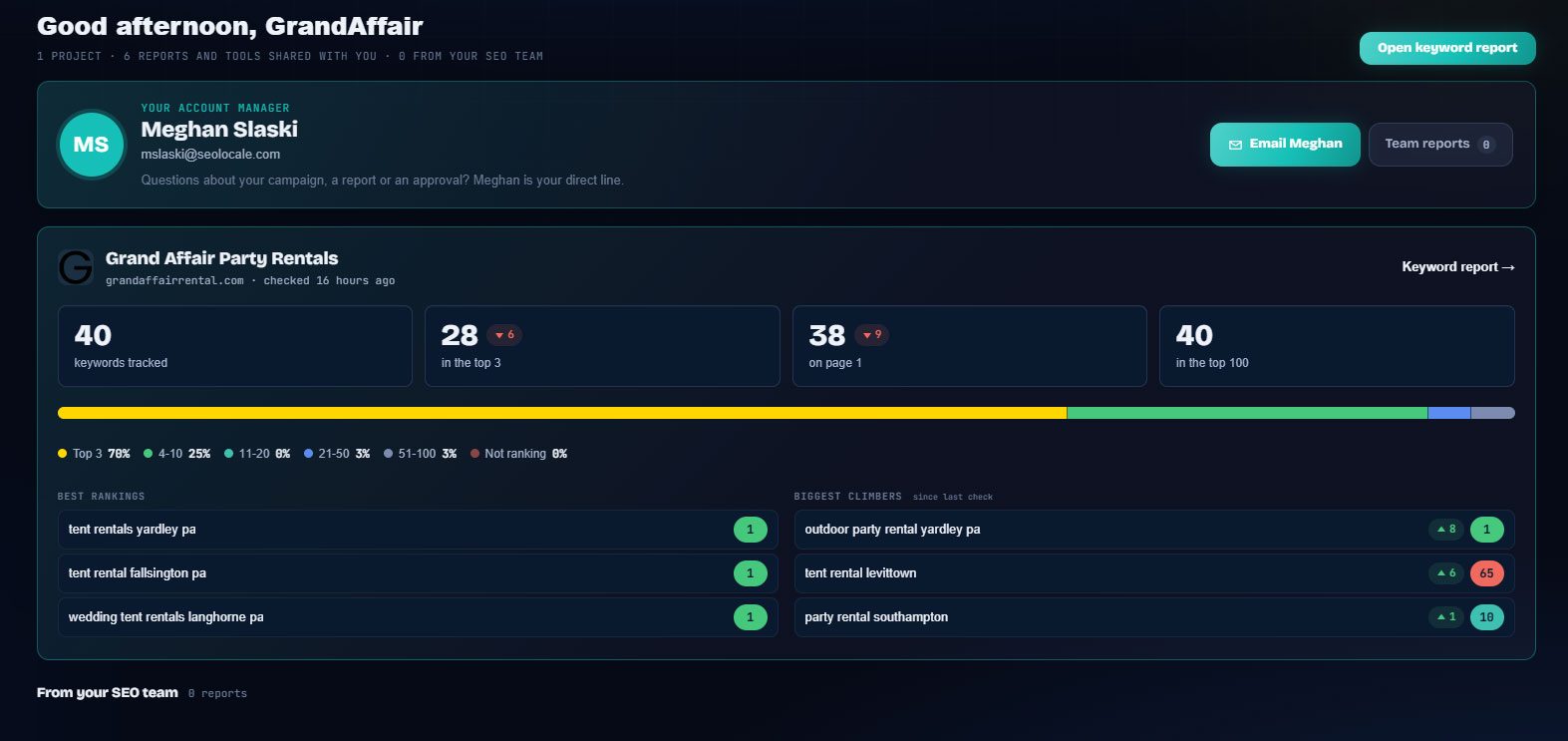
Everything in one place.
Scheduled rank checks
Keywords checked automatically every day. You wake up to fresh positions and movement without lifting a finger.
Auto-sent reports
Set the cadence once and reports build and send themselves: rankings, analytics and paid ads, white-labelled, in your clients' inboxes on schedule.
Recurring audits
Technical audits re-run on their own, surfacing new issues the day they appear.
SERP Sensor
Volatility monitoring watches for algorithm shifts and AI Overview changes, so you are first to know when the SERP moves.
AI narratives
Client-facing summaries drafted from the real numbers, ready to edit and publish to the client dashboard.
Smart alerts
Get notified the moment a keyword drops, a competitor overtakes you, a site goes down or a domain is about to expire.
Built for the people doing the work.
Agencies
Hours of reporting and checking a month, back in the margin.
Consultants
Run more clients without hiring, because the routine runs itself.
In-house teams
Monitoring and reporting that happens even when the team is busy shipping.
Everywhere it counts.
The usual way, and the SEO App way.
| Task | The usual way | With SEO App |
|---|---|---|
| Rank checks | Someone runs them | Run every day on their own |
| Reports | A Friday afternoon of exports | Compiled and emailed on schedule |
| Audits | When someone remembers | Re-crawled on schedule, regressions caught |
| Knowing something broke | The client tells you | An alert tells you first |
Three steps.
Connect once
Link Search Console, Analytics and Ads, add your projects and keywords.
Set the schedules
Daily checks run on their own. Pick weekly or monthly for reports and audits.
Read the alerts
Everything runs in the background. You only hear about it when something moved.
Why it matters.
What automation should and should not do
Automation is for the work that is the same every time: checking, compiling, sending, watching. It is not for the judgement calls. SEO App does the first kind on a schedule and surfaces the second kind as alerts and watch lists for a person to act on.
The reporting loop
Daily checks feed the keyword report, the client portal, the progress email and the success report. Analytics and paid ads reports run on their own schedules. Nothing is exported, pasted or formatted by hand.
Alerts that mean something
Rank drops are confirmed over two checks before they alert, so one bad fetch does not page you. Uptime, DNS and domain expiry alerts go out as soon as the check fails.