The rank tracker built for agencies.
Track every client's keywords in one place, give each client their own branded portal, and let the monthly ranking report send itself.
Stop juggling logins.
SEO App was built by an agency for agencies. Projects, clients, portals and reports live under one roof, so your account managers see the whole book of business and each client sees only their own.



 HUUD
HUUD “SEO App gives us the flexibility as an agency to provide full transparency to our clients. It saves us time and money.”
Marc Brookland · CEO, SEO Locale
“SEO App saves my agency time with the ease of reporting. I can provide everything to my clients, increasing our retention.”
Kris · CEO, HUUD
See it on a real account.
Everything in one place.
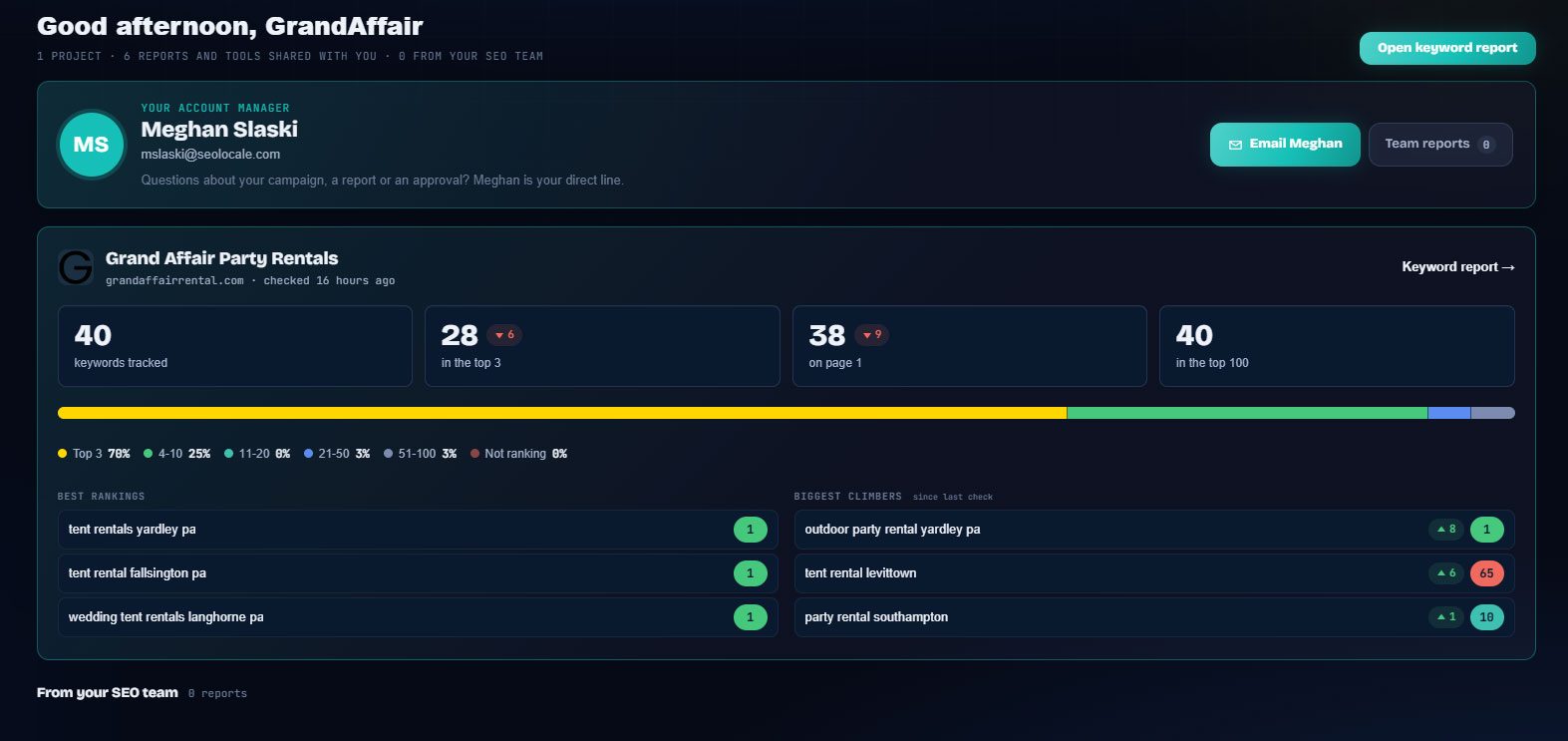
Portfolio dashboard
Every client project on one screen with keywords tracked, page-1 wins, share of voice and who moved up or down since the last check.
White-label client portals
Each client signs in to a portal carrying your logo and colors, with their rankings, analytics, paid ads and the reports your team shares.
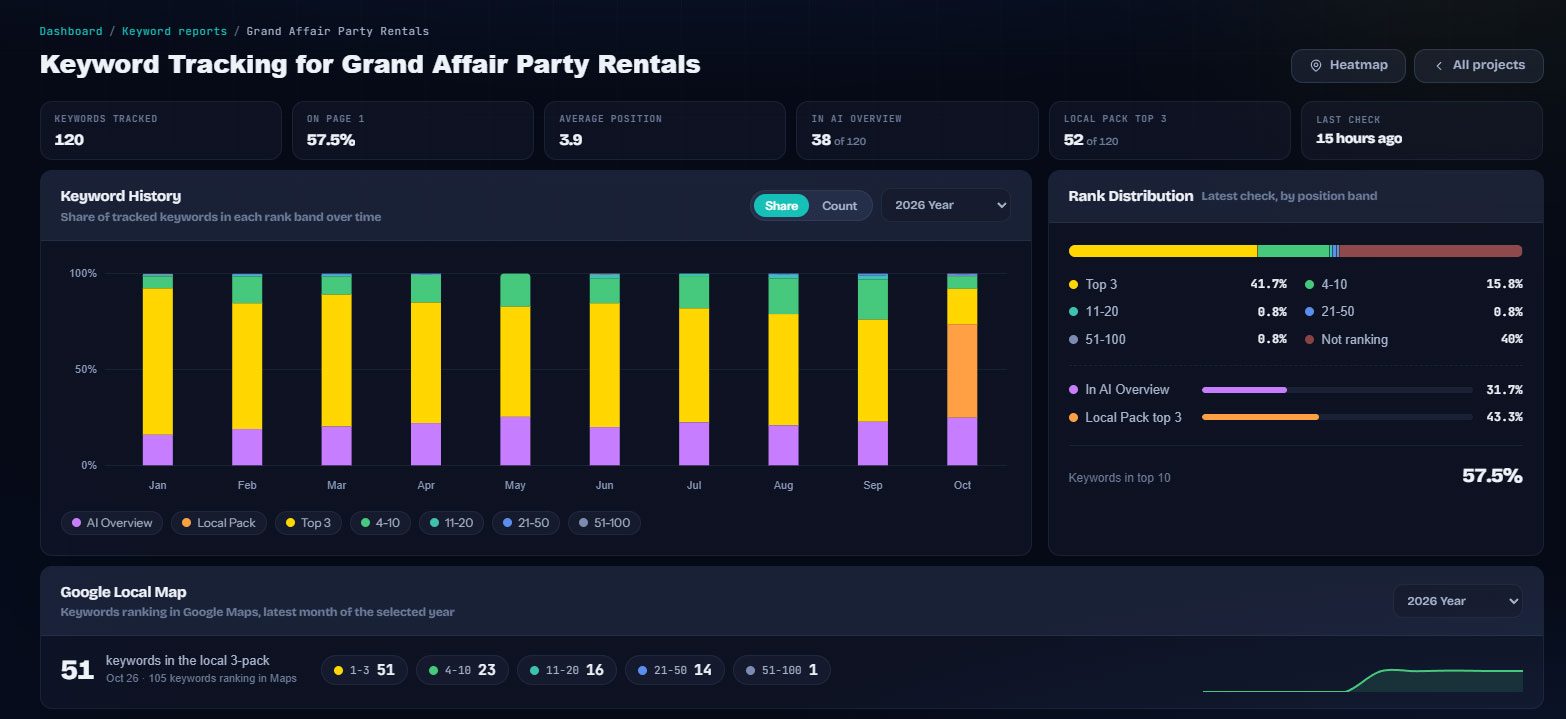
Automated ranking reports
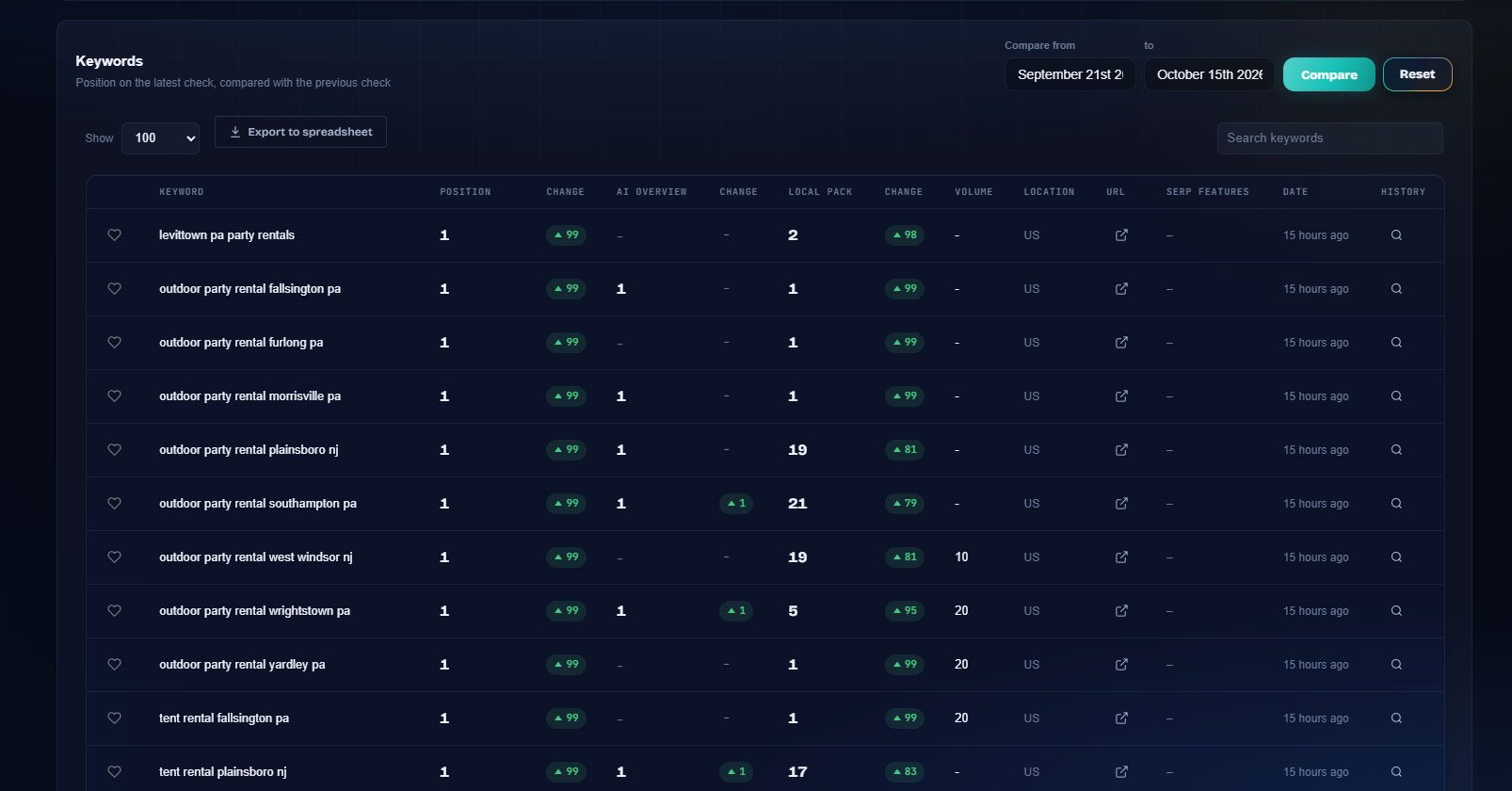
Monthly and weekly progress emails go out on schedule with at-a-glance tiles, biggest gains and the full keyword table.
Daily checks on every plan
Rankings refresh every day for desktop, mobile and specific locations, with history kept so you can prove progress.
Client-safe sign-in
Clients who forget their password get an emailed one-time sign-in code. No more resending credentials by hand.
API and webhooks
Pull rankings and share of voice into your own dashboards, or get a webhook the moment a client's check completes.
Built for the people doing the work.
SEO agencies
Account managers see every client on one portfolio screen, and each client sees only their own portal.
Freelance SEOs
Look like a bigger shop: branded portals, scheduled reports and a sign-in your clients can manage themselves.
White-label resellers
Run SEO under your own brand on your own domain. SEO App is never shown to the end client.
Everywhere it counts.
The usual way, and the SEO App way.
| Task | The usual way | With SEO App |
|---|---|---|
| Monthly reporting | Export CSVs, paste into slides, email each client by hand | Scheduled branded emails with tiles, movers and the full table |
| Client questions | "How do I log in again?" lands in your inbox | Clients request a one-time sign-in code themselves |
| Portfolio health | Open each project to see who is slipping | One dashboard shows every client, sorted by movement |
| Proof of work | Screenshots and memory | History per keyword and location since the first check |
Three steps.
Add a client project
Create a project per client, drop in their keywords and locations, and invite the client user.
Brand the portal
Upload your logo and colors once. Every client portal and report email uses them.
Let the reports run
Daily checks, scheduled emails and a portfolio view keep you and your clients in the loop without manual work.
Why it matters.
Built inside an agency, not for one
SEO App started as the internal tool of SEO Locale, a Pennsylvania agency with dozens of local clients. Every screen exists because an account manager needed it on a client call: the portfolio view, the climbers and fallers, the approvals waiting in the portal, the "since first check" column that proves a campaign worked.
One account manager, many clients
Each client project carries its own keywords, locations, competitors, connected analytics and paid ads accounts. The agency dashboard rolls them up, so a manager with twenty clients sees who gained page-1 keywords this week and who needs a call, without opening twenty tabs.
Reporting that does not eat Fridays
Weekly or monthly progress emails assemble themselves from the latest checks: keywords tracked, page 1, top 3, AI Overviews, movers and a color-coded table, with your logo and a button to the client portal. Paid ads and analytics reports run on the same schedule.