Measure your share of voice against every competitor.
Rankings tell you where one keyword sits. Share of voice tells you how much of the market you own, and who is taking the rest.
How much of the search market is yours?
SEO App turns every daily check into a share-of-voice snapshot: each keyword's search volume, weighted by the click-through rate of the position each domain holds, summed across the project. The result is a single percentage per domain, tracked daily.



 HUUD
HUUD “SEO App gives us the flexibility as an agency to provide full transparency to our clients. It saves us time and money.”
Marc Brookland · CEO, SEO Locale
“SEO App saves my agency time with the ease of reporting. I can provide everything to my clients, increasing our retention.”
Kris · CEO, HUUD
See it on a real account.
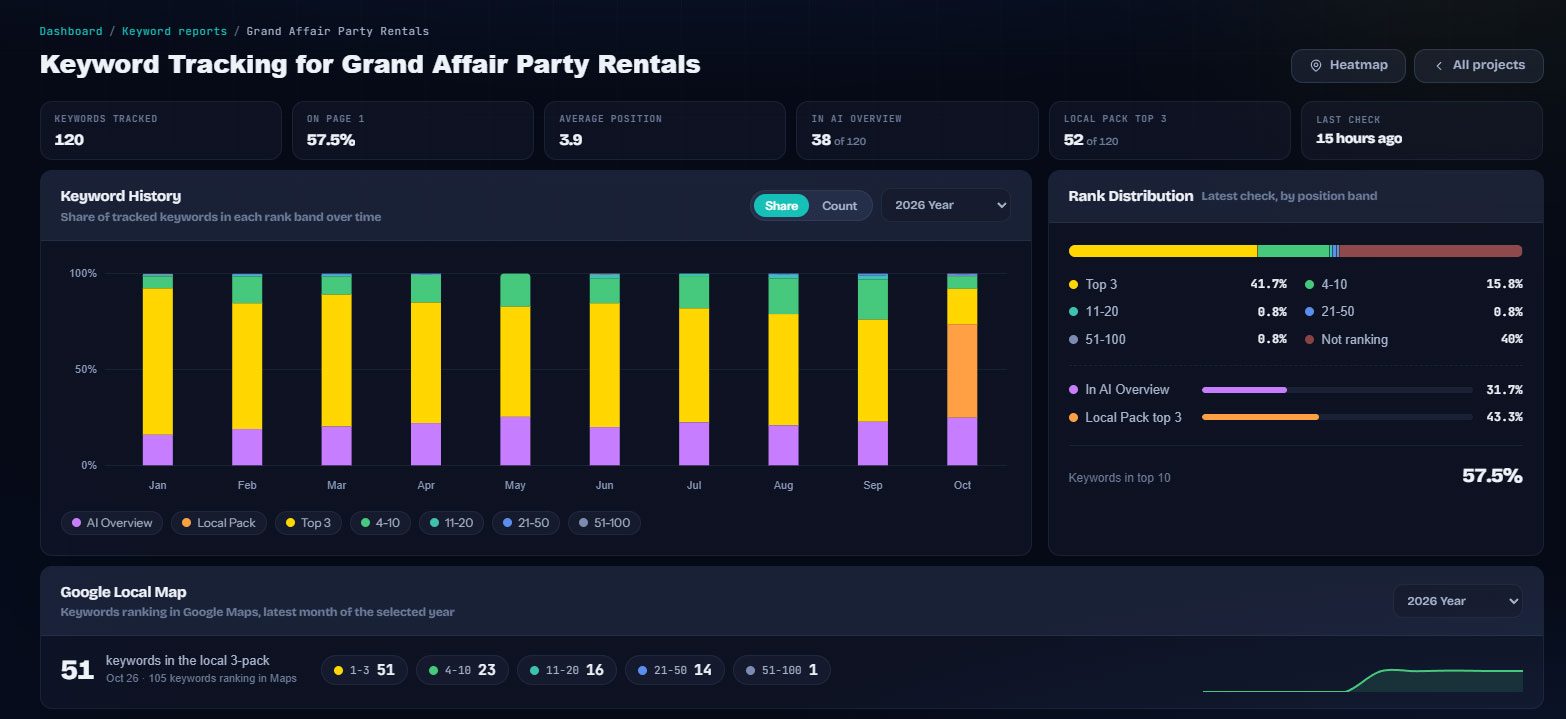

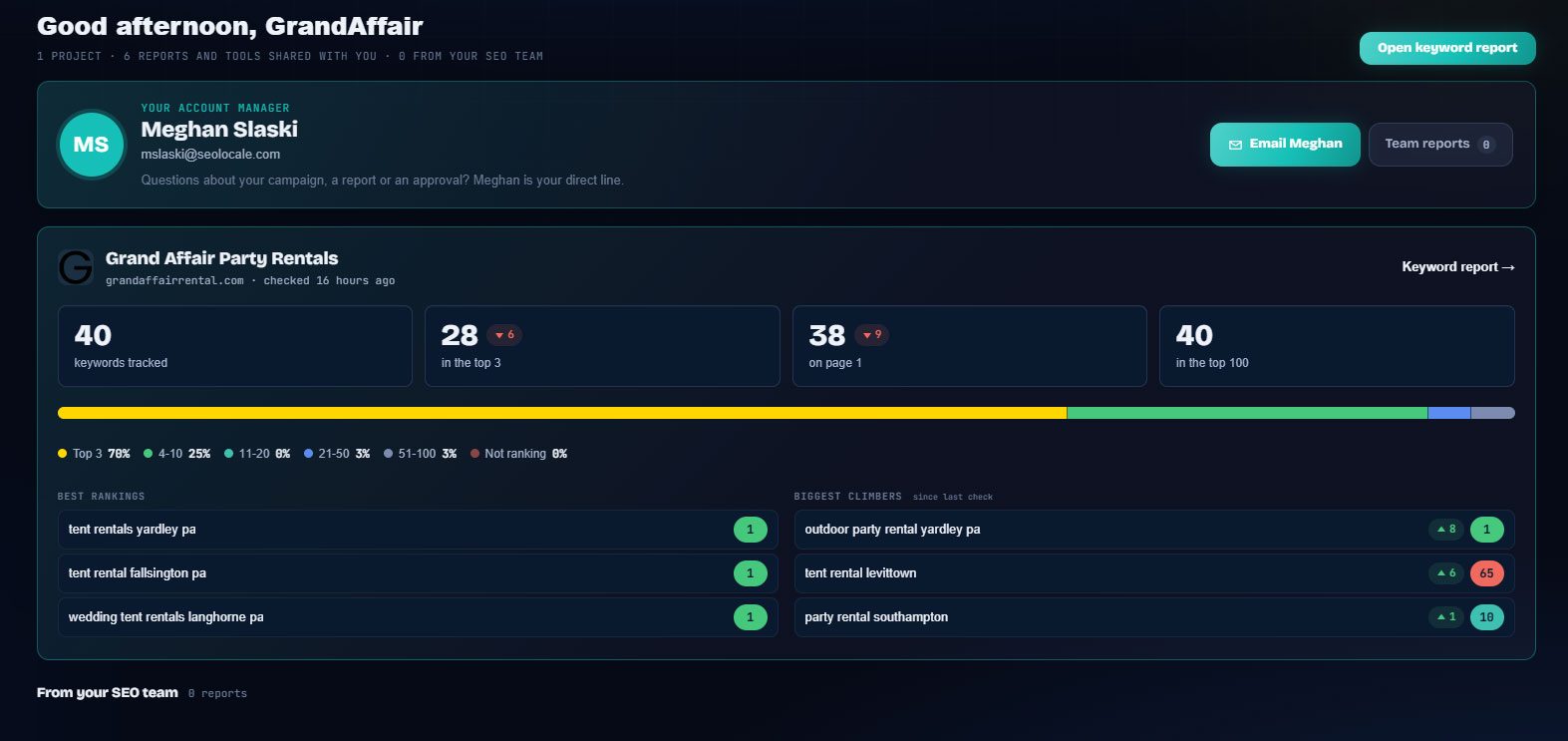
Everything in one place.
Volume and CTR weighted
A page-1 position on a 10,000-search keyword counts far more than position 40 on a long-tail term, exactly as it should.
Every competitor on the page
Competitors are found automatically from the results pages. No list to maintain, no one missed.
Daily trend
Share of voice is snapshotted every day and kept for over a year, so the chart tells the story of a campaign.
Spots won and lost
See which keywords you took from a competitor since the last check, and which they took from you.
Competitor keyword discovery
One click pulls the keywords a competitor ranks for that you are not tracking yet, with volume and position.
In the client portal
Share of voice appears on the client's keyword report, so they see the market view, not just a list of positions.
Built for the people doing the work.
Agencies
One number per client that goes up and to the right, with the competitors behind it.
Marketing leads
Report visibility against named competitors instead of a list of positions.
SEO specialists
See which competitor gains when you lose, and on which keywords.
Everywhere it counts.
The usual way, and the SEO App way.
| Task | The usual way | With SEO App |
|---|---|---|
| Reporting visibility | A table of 200 positions | One share of voice percentage with a trend |
| Competitors | Checked by hand now and then | Tracked on every check for every keyword |
| Who took the spot | Unknown | The competitor that gained is named per keyword |
| Board slides | Hours of formatting | A tile on the portal and in the progress email |
Three steps.
Track your keywords
Share of voice is computed from the keywords you already track. No extra setup.
Read the market view
The share-of-voice card ranks every domain on your results pages and shows the trend.
Close the gaps
Discover the keywords competitors rank for and add them to your tracking and content plan.
Why it matters.
What share of voice measures
Share of voice weights each keyword by position and volume and adds it up across the whole keyword set, for you and for each competitor. It answers the question a position table cannot: of all the visibility available for these keywords, how much is ours and how much is theirs.
Why it beats average position
Average position hides a 1 and a 95 behind a 48. Share of voice rewards the keywords that matter and moves in proportion to real visibility, which makes it a better monthly headline and a fairer way to judge a campaign.
From the score to the work
Click into the score to see the keyword-level split: where a competitor is ahead, where you are close, and where nobody owns the result yet. Those lists become the content and link plan for the next month.